
Surface Laptop Go 2 BMR_42032 官方復原映像
微軟原廠出廠復原映像(BMR),系統為 Windows 11 Home(家用版),涵蓋 21H1 – 25H2 全部歷史版本。
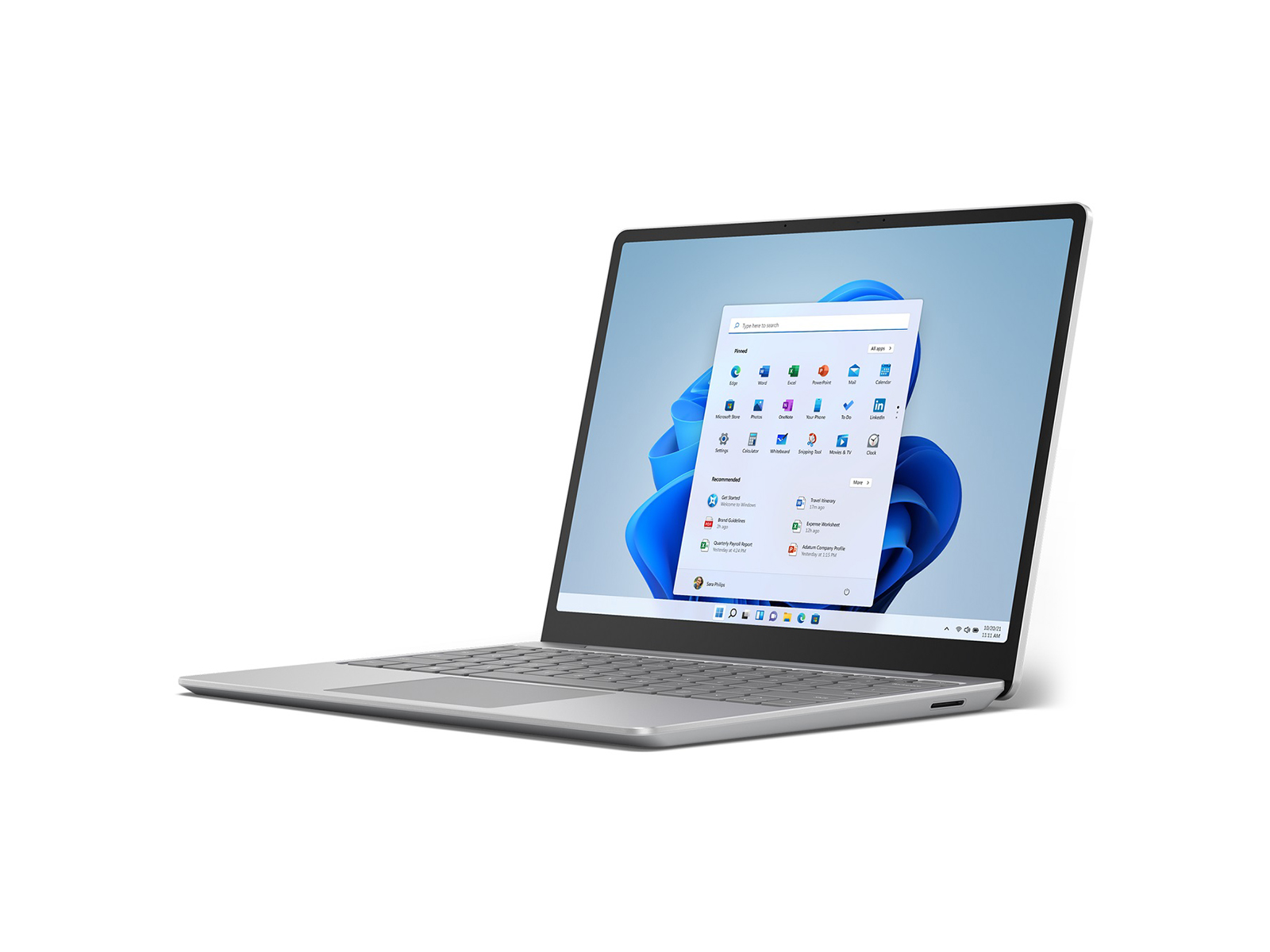
映像檔案清單(檔案名稱 / 對應配置對照)
以下均為微軟官網原始版本。一個檔案可適用於多個配置機型,購買後透過雲端硬碟資料夾交付,請依下方對照下載。
SurfaceLaptopGo2_BMR_42032_5.533.1.zip
21H1
- Surface Laptop Go 2 i5/8/128 – Windows 11 Home Version 21H1
- Surface Laptop Go 2 Demo – Windows 11 Home Version 21H1
SurfaceLaptopGo2_BMR_42032_5.534.3.zip
22H2
- Surface Laptop Go 2 i5/8/128 – Windows 11 Home Version 22H2
- Surface Laptop Go 2 Demo – Windows 11 Home Version 22H2
SurfaceLaptopGo2_BMR_42032_2024.507.161.zip
23H2
- Surface Laptop Go 2 i5/8/128 – Windows 11 Home Version 23H2
- Surface Laptop Go 2 Demo – Windows 11 Home Version 23H2
SurfaceLaptopGo2_BMR_42032_2026.507.11898505.zip
25H2 NEW
- Surface Laptop Go 2 i5/8/128 – Windows 11 Home Version 25H2
- Surface Laptop Go 2 Demo – Windows 11 Home Version 25H2
SurfaceLaptopGo2_BMR_42032_2024.926.9209285.zip
24H2
- Surface Laptop Go 2 i5/8/128 – Windows 11 Home Version 24H2
SurfaceLaptopGo2_BMR_42032_2024.1209.9376961.zip
24H2
- Surface Laptop Go 2 i5/8/128 – Windows 11 Home Version 24H2
SurfaceLaptopGo2_BMR_42032_2025.609.10358140.zip
24H2
- Surface Laptop Go 2 i5/8/128 – Windows 11 Home Version 24H2
SurfaceLaptopGo2_BMR_42032_2025.823.10858225.zip
24H2
- Surface Laptop Go 2 i5/8/128 – Windows 11 Home Version 24H2
SurfaceLaptopGo2_BMR_42032_2025.1210.11426026.zip
25H2
- Surface Laptop Go 2 i5/8/128 – Windows 11 Home Version 25H2
SurfaceLaptopGo2_BMR_42032_2026.715.12200295.zip
25H2 NEW
- Surface Laptop Go 2 i5/8/128 – Windows 11 Home Version 25H2
Surface Laptop Go 2 BMR_42032 官方復原映像下載,Windows 11 Home(家用版),21H1 – 25H2。
SurfaceLaptopGo2_BMR_42032_5.533.1.zip;Surface Laptop Go 2 i5/8/128 – Windows 11 Home Version 21H1;Surface Laptop Go 2 Demo – Windows 11 Home Version 21H1。
SurfaceLaptopGo2_BMR_42032_5.534.3.zip;Surface Laptop Go 2 i5/8/128 – Windows 11 Home Version 22H2;Surface Laptop Go 2 Demo – Windows 11 Home Version 22H2。
SurfaceLaptopGo2_BMR_42032_2024.507.161.zip;Surface Laptop Go 2 i5/8/128 – Windows 11 Home Version 23H2;Surface Laptop Go 2 Demo – Windows 11 Home Version 23H2。
SurfaceLaptopGo2_BMR_42032_2026.507.11898505.zip;Surface Laptop Go 2 i5/8/128 – Windows 11 Home Version 25H2;Surface Laptop Go 2 Demo – Windows 11 Home Version 25H2。
SurfaceLaptopGo2_BMR_42032_2024.926.9209285.zip;Surface Laptop Go 2 i5/8/128 – Windows 11 Home Version 24H2。
SurfaceLaptopGo2_BMR_42032_2024.1209.9376961.zip;Surface Laptop Go 2 i5/8/128 – Windows 11 Home Version 24H2。
SurfaceLaptopGo2_BMR_42032_2025.609.10358140.zip;Surface Laptop Go 2 i5/8/128 – Windows 11 Home Version 24H2。
SurfaceLaptopGo2_BMR_42032_2025.823.10858225.zip;Surface Laptop Go 2 i5/8/128 – Windows 11 Home Version 24H2。
SurfaceLaptopGo2_BMR_42032_2025.1210.11426026.zip;Surface Laptop Go 2 i5/8/128 – Windows 11 Home Version 25H2。
SurfaceLaptopGo2_BMR_42032_2026.715.12200295.zip;Surface Laptop Go 2 i5/8/128 – Windows 11 Home Version 25H2。
復原系統操作指引
以下為微軟官方簡要步驟,操作前請確認裝置硬體無故障,並自備 16GB 以上 USB 隨身碟(格式化為 FAT32)。
- 確保 Surface 處於關機狀態並接通電源,插入已製作好的 USB 復原磁碟機(建議 16GB 以上、格式化為 FAT32)。
- 長按「音量減」鍵,同時按下並鬆開「電源」鍵。
- 看到 Microsoft 或 Surface 標誌後鬆開「音量減」鍵。
- 依提示選擇語言和鍵盤配置。
- 選擇「疑難解答」→「從磁碟機復原」。
- 選擇「僅移除我的檔案」或「完全清理磁碟機」(後者更徹底但耗時更久)。
- 選擇「復原」,Surface 將自動重新啟動並完成重設,全程約需數分鐘。
需要協助?
映像下載、復原操作或找不到對應版本皆可聯絡我們,提供付費協助服務,服務包滿意。