
Surface Laptop 13-inch (1st Edition) BMR_12010 官方恢复镜像(骁龙版)
微软原厂出厂恢复镜像(BMR),系统为 Windows 11 Home(家庭版),覆盖 24H2 – 25H2 全部历史版本。
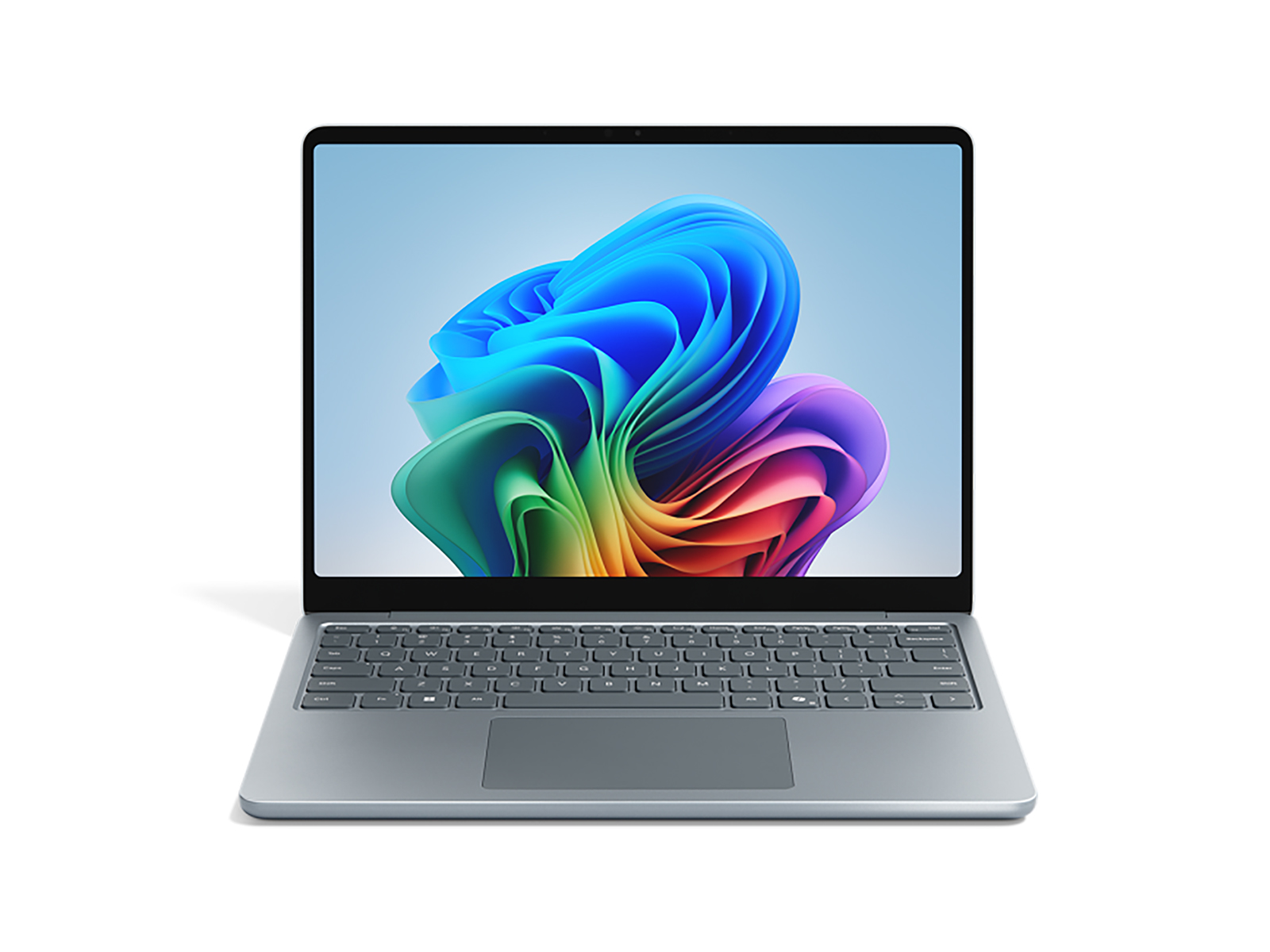
镜像文件清单(文件名 / 对应配置对照)
以下均为微软官网原始版本。一个文件可适用于多个配置机型,购买后通过网盘文件夹交付,请按下方对照下载。
SurfaceLaptop13in1stEdwithSnapdragon_BMR_12010_2025.403.10995389.zip
24H2
- Sfc Lp 13in Snpdrgn 1stEd P/16/512 – Windows 11 Home Version 24H2
SurfaceLaptop13in1stEdwithSnapdragon_BMR_12010_2026.127.11629989.zip
25H2
- Sfc Lp 13in Snpdrgn 1stEd P/16/512 – Windows 11 Home Version 25H2
SurfaceLaptop13in1stEdwithSnapdragon_BMR_12010_2026.804.12395961.zip
25H2 NEW
- Sfc Lp 13in Snpdrgn 1stEd P/16/512 – Windows 11 Home Version 25H2
Surface Laptop 13-inch (1st Edition) 骁龙版 BMR_12010 官方恢复镜像下载,Windows 11 Home(家庭版),24H2 – 25H2。
SurfaceLaptop13in1stEdwithSnapdragon_BMR_12010_2025.403.10995389.zip;Sfc Lp 13in Snpdrgn 1stEd P/16/512 – Windows 11 Home Version 24H2。
SurfaceLaptop13in1stEdwithSnapdragon_BMR_12010_2026.127.11629989.zip;Sfc Lp 13in Snpdrgn 1stEd P/16/512 – Windows 11 Home Version 25H2。
SurfaceLaptop13in1stEdwithSnapdragon_BMR_12010_2026.804.12395961.zip;Sfc Lp 13in Snpdrgn 1stEd P/16/512 – Windows 11 Home Version 25H2。
恢复系统操作指引
以下为微软官方简要步骤,操作前请确认设备硬件无故障,并自备 16GB 以上 U 盘(格式化为 FAT32)。
- 确保 Surface 处于关机状态并接通电源,插入已制作好的 USB 恢复驱动器(建议 16GB 以上、格式化为 FAT32)。
- 长按「音量减」键,同时按下并松开「电源」键。
- 看到 Microsoft 或 Surface 徽标后松开「音量减」键。
- 根据提示选择语言和键盘布局。
- 选择「疑难解答」→「从驱动器恢复」。
- 选择「仅删除我的文件」或「完全清理驱动器」(后者更彻底但耗时更久)。
- 选择「恢复」,Surface 将自动重启并完成重置,全程约需数分钟。
需要协助?
镜像下载、恢复操作或找不到对应版本均可联系我们,提供付费协助服务,服务包满意。