
Surface Laptop 13-inch (1st Edition) BMR_12010 公式復元イメージ
マイクロソフト純正の出荷時復元イメージ(BMR)。システムは Windows 11 Home、24H2 ~ 25H2 の全歴史バージョンに対応します。
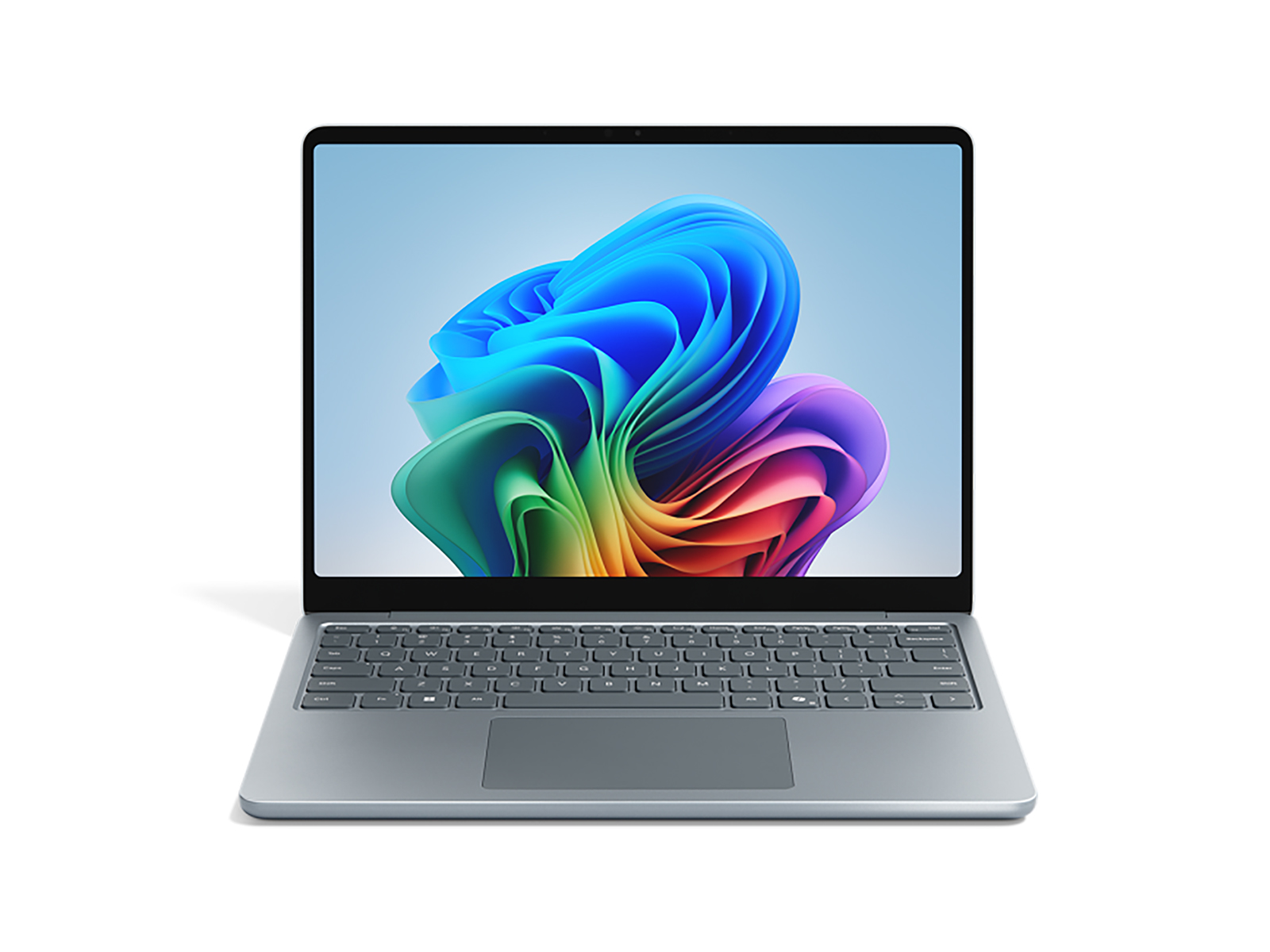
イメージファイル一覧(ファイル名 / 対応構成の対照)
以下はすべてマイクロソフト公式サイトのオリジナルバージョンです。1 つのファイルで複数の構成に対応できます。購入後はクラウドドライブのフォルダーで納品しますので、下記の対照表をご確認のうえダウンロードしてください。
SurfaceLaptop13in1stEdwithSnapdragon_BMR_12010_2025.403.10995389.zip
24H2
- Sfc Lp 13in Snpdrgn 1stEd P/16/512 – Windows 11 Home Version 24H2
SurfaceLaptop13in1stEdwithSnapdragon_BMR_12010_2026.127.11629989.zip
25H2
- Sfc Lp 13in Snpdrgn 1stEd P/16/512 – Windows 11 Home Version 25H2
SurfaceLaptop13in1stEdwithSnapdragon_BMR_12010_2026.804.12395961.zip
25H2 NEW
- Sfc Lp 13in Snpdrgn 1stEd P/16/512 – Windows 11 Home Version 25H2
Surface Laptop 13-inch (1st Edition) BMR_12010 公式復元イメージのダウンロード、Windows 11 Home、24H2 – 25H2。
SurfaceLaptop13in1stEdwithSnapdragon_BMR_12010_2025.403.10995389.zip;Sfc Lp 13in Snpdrgn 1stEd P/16/512 – Windows 11 Home Version 24H2。
SurfaceLaptop13in1stEdwithSnapdragon_BMR_12010_2026.127.11629989.zip;Sfc Lp 13in Snpdrgn 1stEd P/16/512 – Windows 11 Home Version 25H2。
SurfaceLaptop13in1stEdwithSnapdragon_BMR_12010_2026.804.12395961.zip;Sfc Lp 13in Snpdrgn 1stEd P/16/512 – Windows 11 Home Version 25H2。
システム復元の手順ガイド
以下はマイクロソフト公式の簡易手順です。操作前にデバイスのハードウェアに異常がないことを確認し、16GB 以上の USB メモリ(FAT32 でフォーマット)をご用意ください。
- Surface の電源が切れ、電源アダプターに接続されていることを確認し、作成済みの USB 復元ドライブ(16GB 以上・FAT32 推奨)を挿入します。
- 「音量減」ボタンを長押ししながら、「電源」ボタンを押して離します。
- Microsoft または Surface のロゴが表示されたら「音量減」ボタンを離します。
- 画面の指示に従って言語とキーボードレイアウトを選択します。
- 「トラブルシューティング」→「ドライブから復元する」を選択します。
- 「ファイルの削除のみ」または「ドライブの完全クリーンアップ」を選択します(後者はより完全ですが時間がかかります)。
- 「復元」を選択すると、Surface が自動的に再起動してリセットが完了します。所要時間は数分です。
サポートが必要ですか?
イメージのダウンロード、復元操作、該当バージョンが見つからない場合などは、お気軽にお問い合わせください。有料サポート(満足度の高いサービスパック)を提供しています。